01
From property photos to booking
Show amenities, location, periods and prices so guests can book and pay on your website.
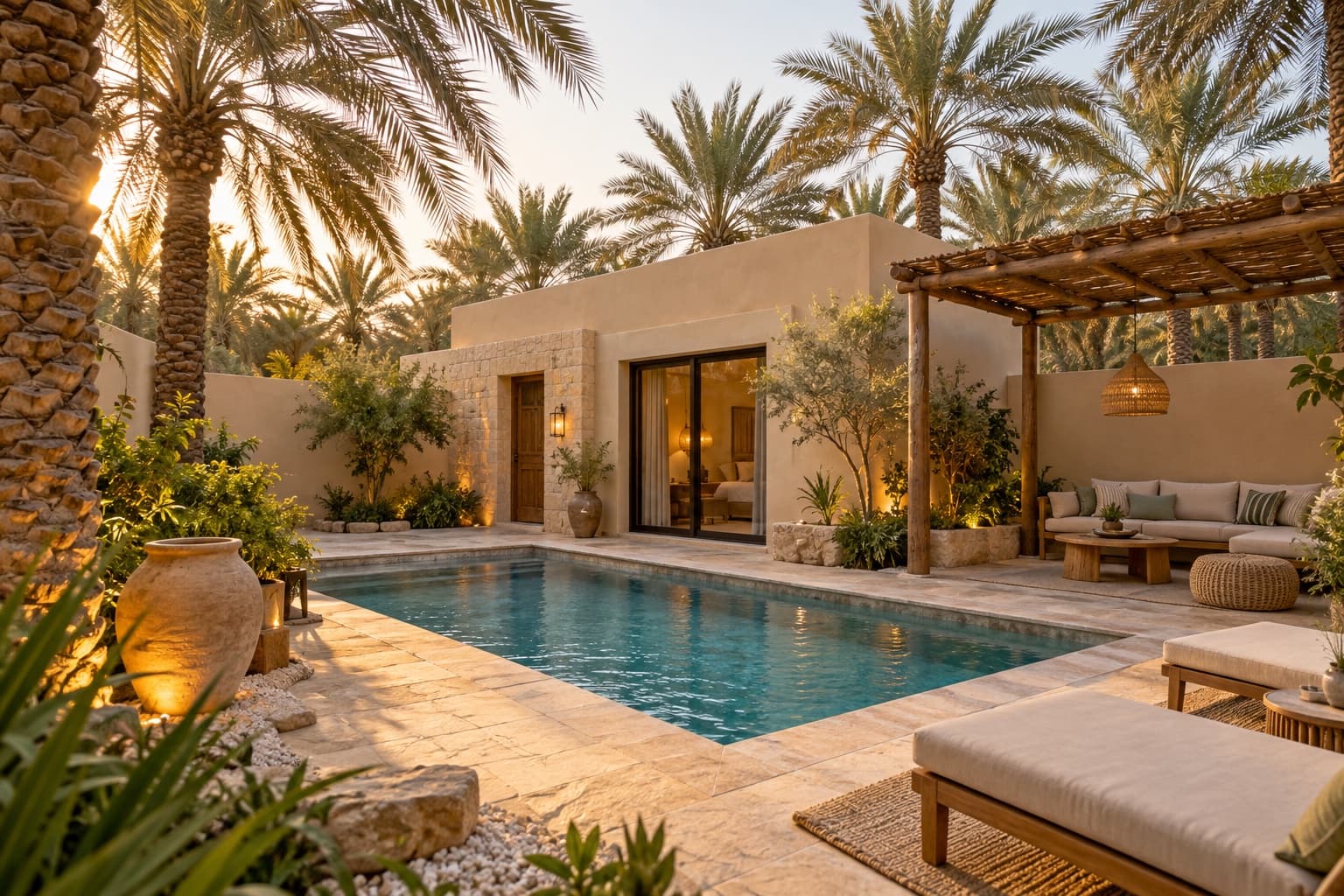
Travvia for chalets, holiday homes & day resorts
Show your property, amenities, dates and prices. Let guests book and pay on your branded website, then track bookings and payment status in one dashboard.
SAR 450for the full period
Book this periodWhat makes your work easier?
Features depend on your plan; payments require account activation.
Show amenities, location, periods and prices so guests can book and pay on your website.
Track the booking time, guest details and payment status in one dashboard.
Clearly price a meal or service you provide so guests can tailor their visit and add to the booking value.
Present a period, its price and inclusions, then accept booking and payment. We’ll help confirm the setup for the way you rent your property.
Contact us before starting to confirm the fit. This page illustrates a day booking; accommodation and unit-management needs require review.
Travvia plans
Compare ticket allowances, team access and languages, then review each plan’s payment and service fees.
Payment and service fees are separate from the subscription price. Confirm applicable fees, tax and settlement terms with Travvia before subscribing.
Ask about feesTalk to the Travvia team
We’ll help you choose a plan and set up bookings for the way you work. For multi-night stays, contact us to confirm that the setup fits your needs.